Chrome Reading List vs Bookmarks vs Saved Sessions
Choose Chrome Reading List, bookmarks or a saved session based on whether you need to read, revisit or resume a whole task.
Save and restore browser sessions, organize too many tabs, and keep useful notes beside your sources. Explore product updates and research workflows.

Choose Chrome Reading List, bookmarks or a saved session based on whether you need to read, revisit or resume a whole task.

Find a missing Chrome tab with Tab Search or @tabs, then organize the useful pages so the same search is easier next time.

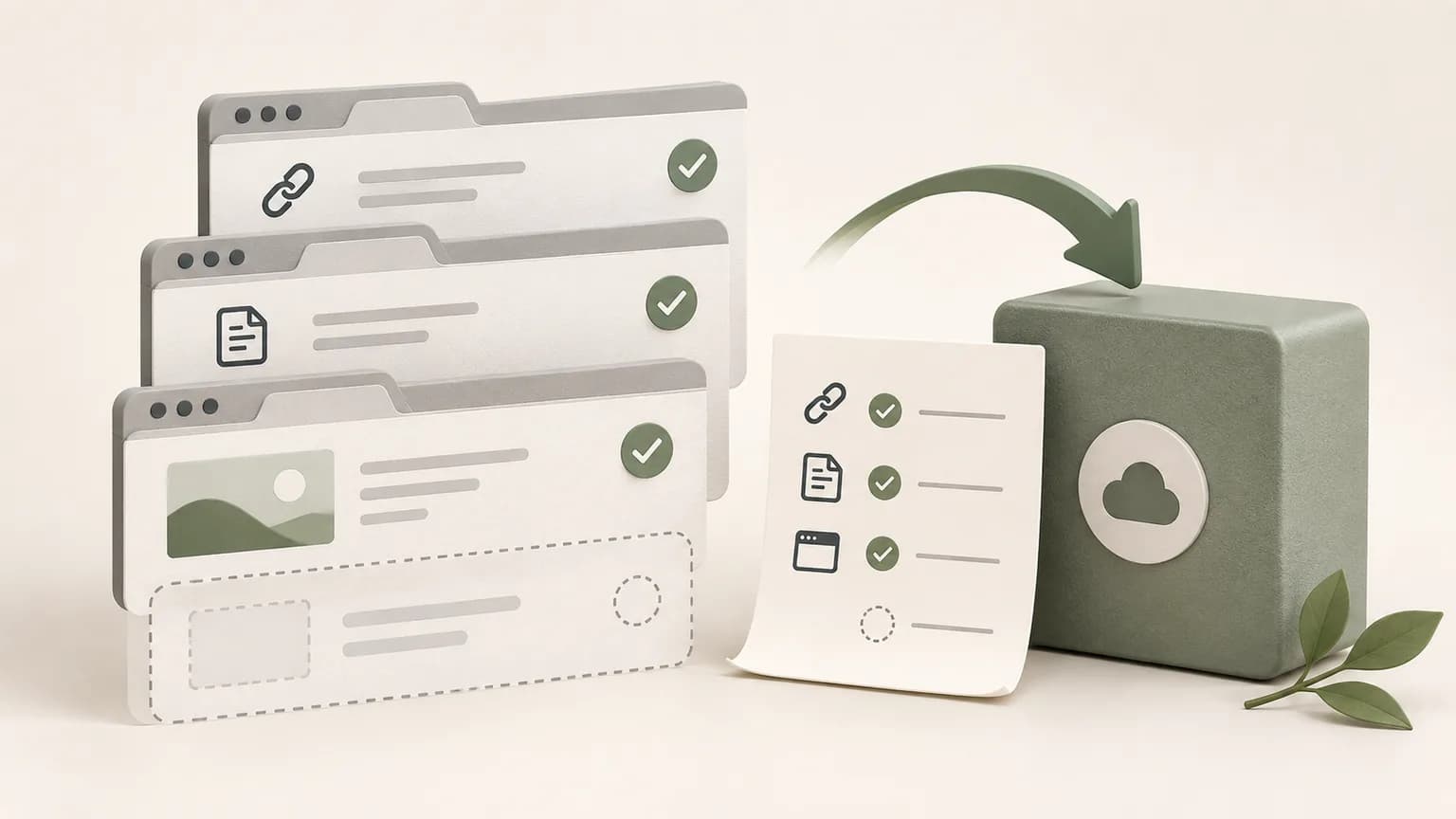
Save the tabs that matter before a Chrome restart, record the task context, and verify what can and cannot be restored afterward.

Check URLs, note content, exports, account sync and live page state before calling a browser session safely backed up.

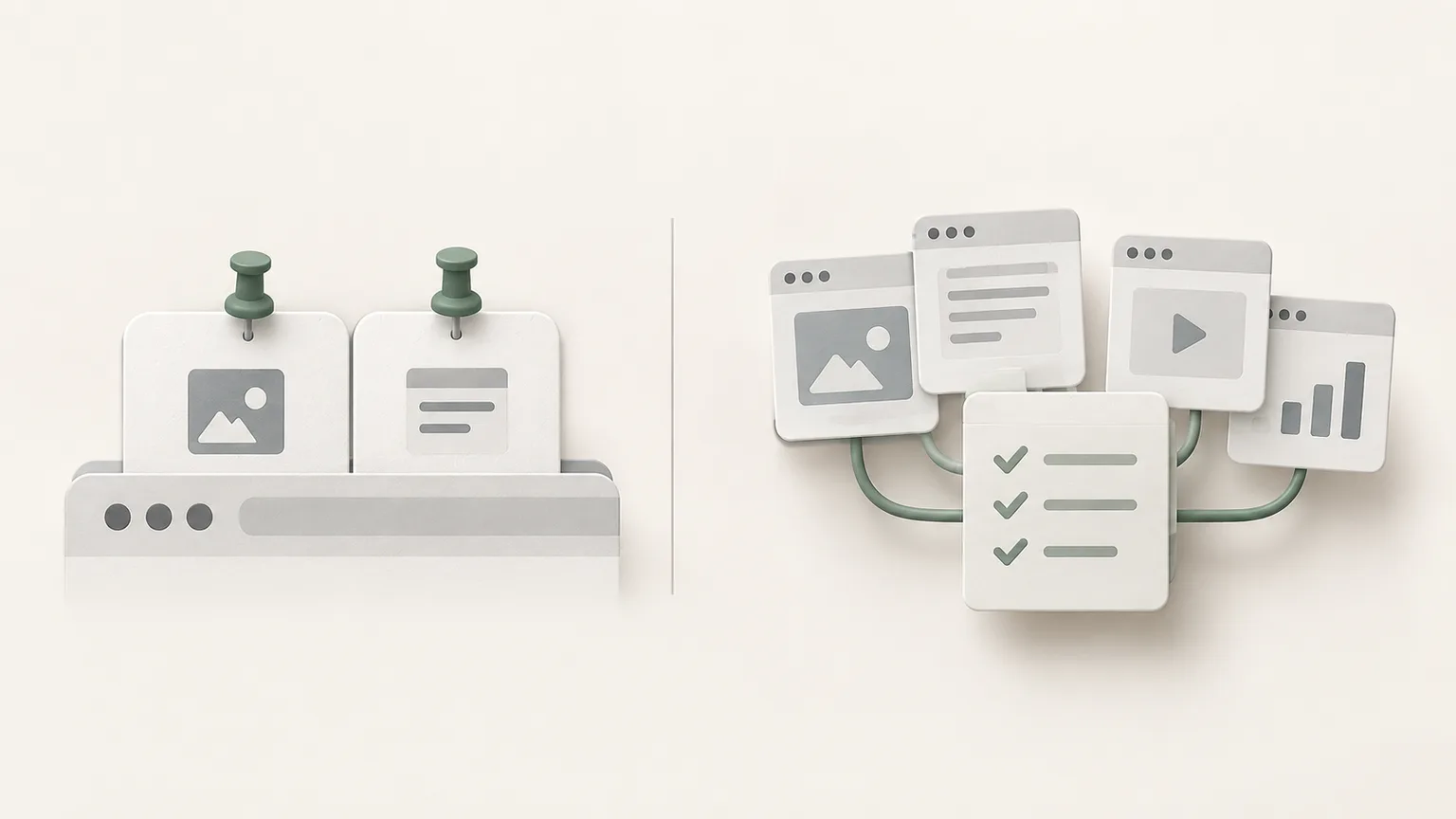
Learn when to pin a browser tab, group active work, bookmark a durable page or save a complete session with notes.

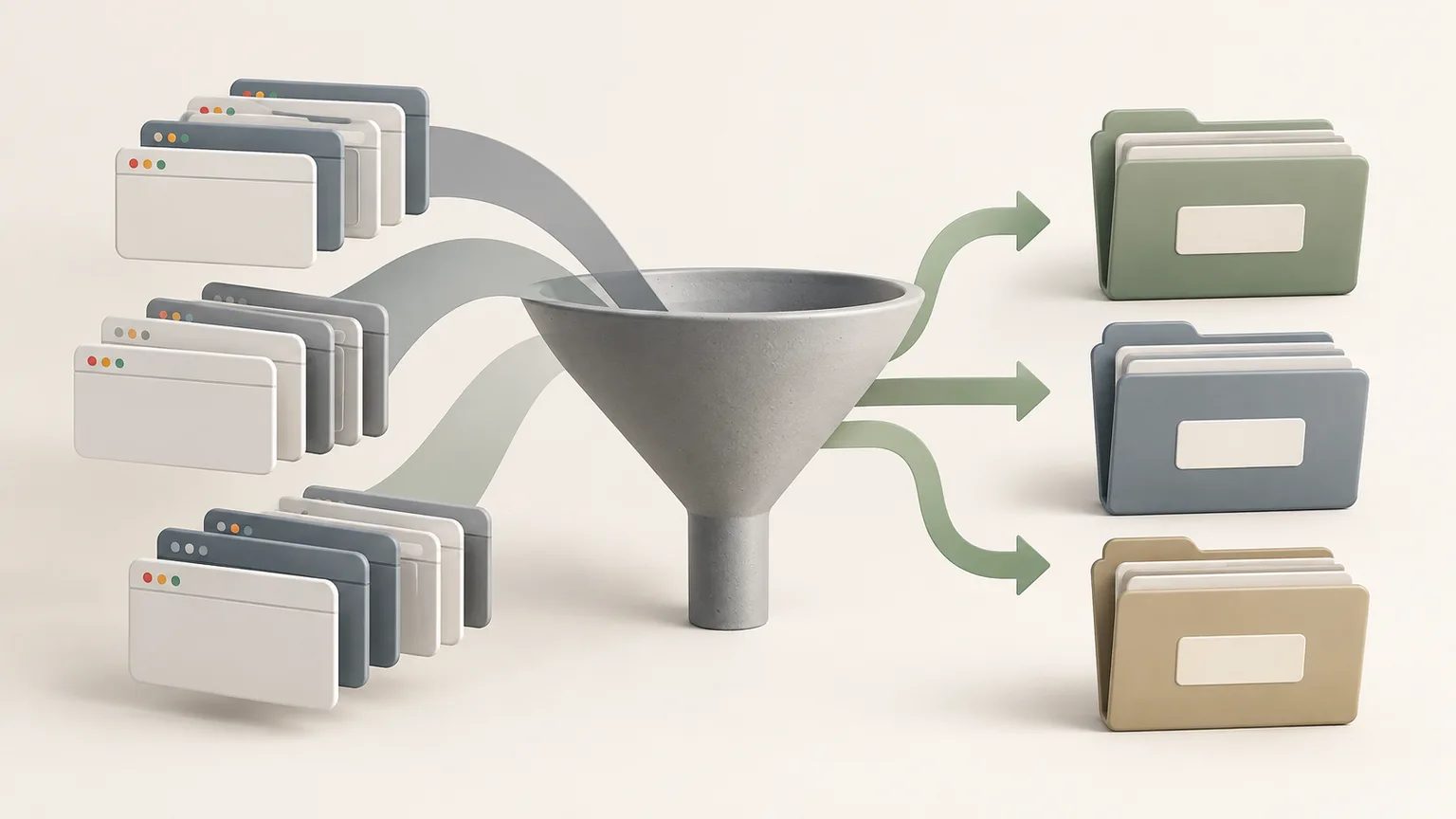
Use outcome-based titles, dates and consistent folder rules to make saved browser sessions and research notes easy to search.