
Browser Session Backup Checklist: What Is Actually Saved?
“Session saved” can mean several different things. A dependable backup check separates page addresses, your written context, browser-only state and a portable export so you know what can be recovered.
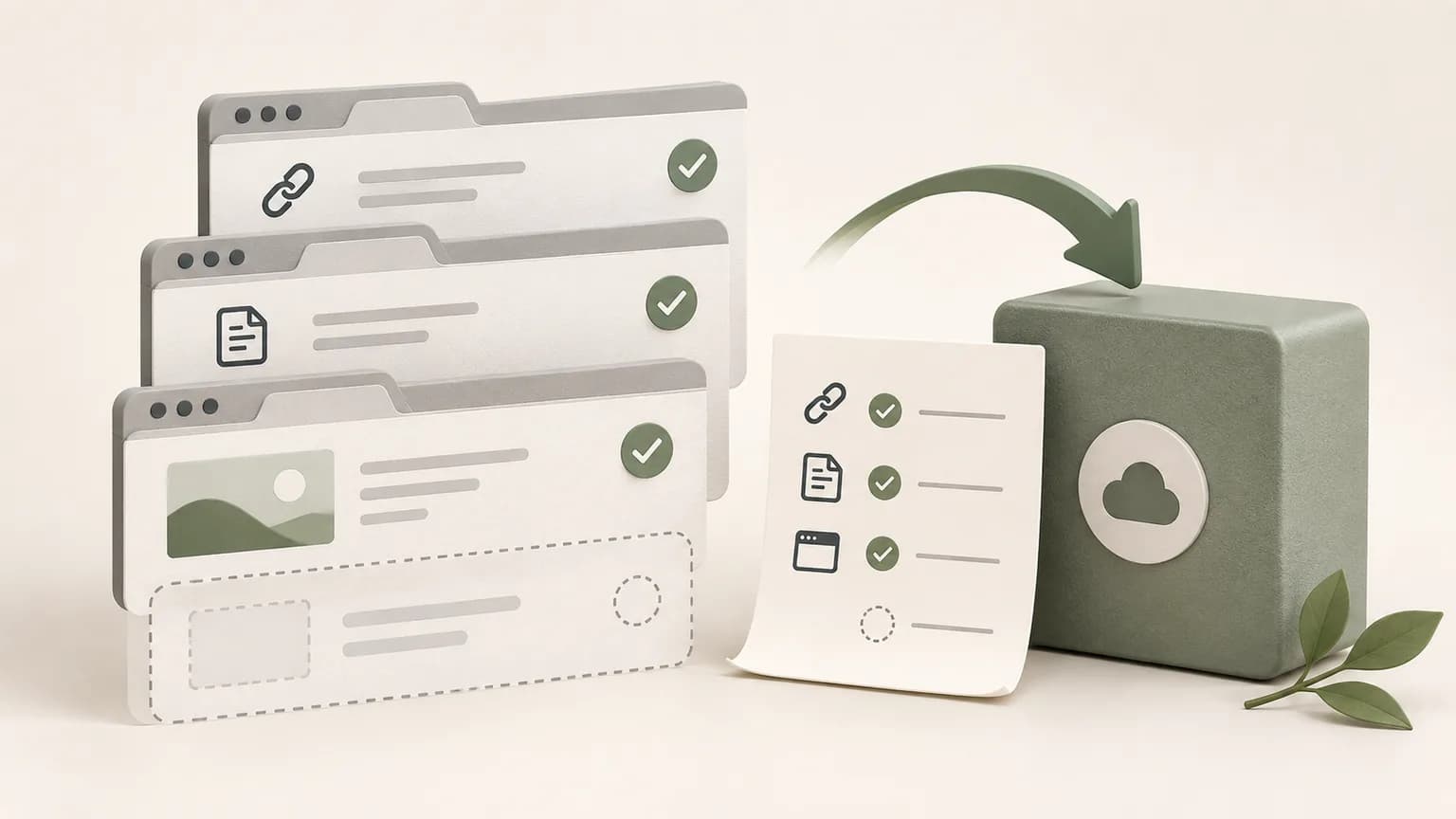
1. Confirm the page addresses
Start by checking that every important source has a valid HTTP or HTTPS address and a recognizable title. Remove duplicate results and temporary redirect pages. Open a sample source from the saved list to verify that the address still reaches the intended destination.
A source URL is a pointer, not a copy of the site. The publisher can edit or remove the page, and access-controlled sources can require a new login. Record essential evidence in the note when future verification matters.
For time-sensitive work, add the access date and the fact you relied on. If a source redirects, record the final canonical address. This makes it easier to distinguish a broken link from a source that changed after the decision.
2. Confirm the task note
A recoverable session needs more than links. The note should state the goal, current findings, unresolved questions and the next action. Put time-sensitive facts beside their source and date so future you can distinguish the page from your interpretation.
Watch the save status after the final edit. If synchronization reports a problem, keep the page open and copy the latest text before attempting account changes, storage cleanup or troubleshooting.
Use a visible recovery block with four lines: current objective, last completed step, unresolved issue and next action. That block should make sense even when none of the source tabs are open.
3. Check the storage boundary
Identify whether the session lives in a local guest workspace, an account, the browser's own saved groups or several of these places. Each has a different recovery boundary. Browser profile data is not automatically an independent backup.
Chrome can save bookmarks and, with the chosen account settings, make browser information available on other devices. Verify the actual setting and profile instead of assuming that signing into a website also enables Chrome synchronization.
Write down which recovery path belongs to each layer: Chrome profile for browser data, Tabzero guest storage for a local trial, the signed-in workspace for synchronized notes, and your file backup for exported copies.

4. Create a portable export
Export important notes to Markdown and inspect the result. Confirm that headings, checklists and source references are understandable outside the application. Store the export where your normal file backup process can protect it.
Chrome bookmarks can also be exported as HTML for browser portability. A bookmark export and a note export solve different problems: one preserves destinations, while the other preserves your written work and decisions.
Name exports with the note title and an ISO date, then open the file in a different editor. An export that exists but cannot be understood or located is not a useful recovery copy.
5. Run a small restore test
Open the saved note, reopen two representative sources and check one exported file before relying on the workflow for critical work. Use sample data for this test so a failure does not put an active project at risk.
Repeat the test after changing browser profiles, devices or extension versions. A backup is credible when recovery has been observed, not only when a save button reported success.
Record the result: which pages opened, whether authentication was required, whether the note matched the export and whether any browser pop-up was blocked. This turns a vague confidence check into evidence.
6. Know what the backup cannot restore
A browser-session workflow does not normally preserve unsent forms, in-memory application state, temporary credentials, media playback position or a historical copy of every website. Save drafts in the application that owns them and use an appropriate archival process for records that must remain unchanged.
For critical projects, keep more than one independent copy of the written result and test access from the environment you expect to use during recovery. The session manager should support your backup plan, not become the only copy of the work.
Tabzero: Browser Tab Manager & Notes
Save tab links, keep notes beside your sources, and return to what matters. Tabzero is in development preview; AI Notes remains planned.
Related guides
How to Recover Closed Chrome Tabs Without Losing Task Context
Recover recently closed Chrome tabs, then rebuild the task with a concise note and selected sources so the next interruption is easier to handle.
How to Organize Many Chrome Tabs into Groups Fast
Turn a crowded Chrome window into a few useful tab groups with bulk selection, clear names, duplicate cleanup, and a repeatable maintenance routine.
Chrome Tab Groups vs Separate Windows: Which Is Better?
Compare Chrome tab groups and separate windows for focus, task switching, account separation, recovery, and practical multi-project workflows.