
How to Name Browser Tab Sessions So You Can Find Them Later
A saved session is only useful if its title still makes sense after the tabs are closed. Name the outcome, include the subject people will search for, and reserve dates for work where time changes the meaning.
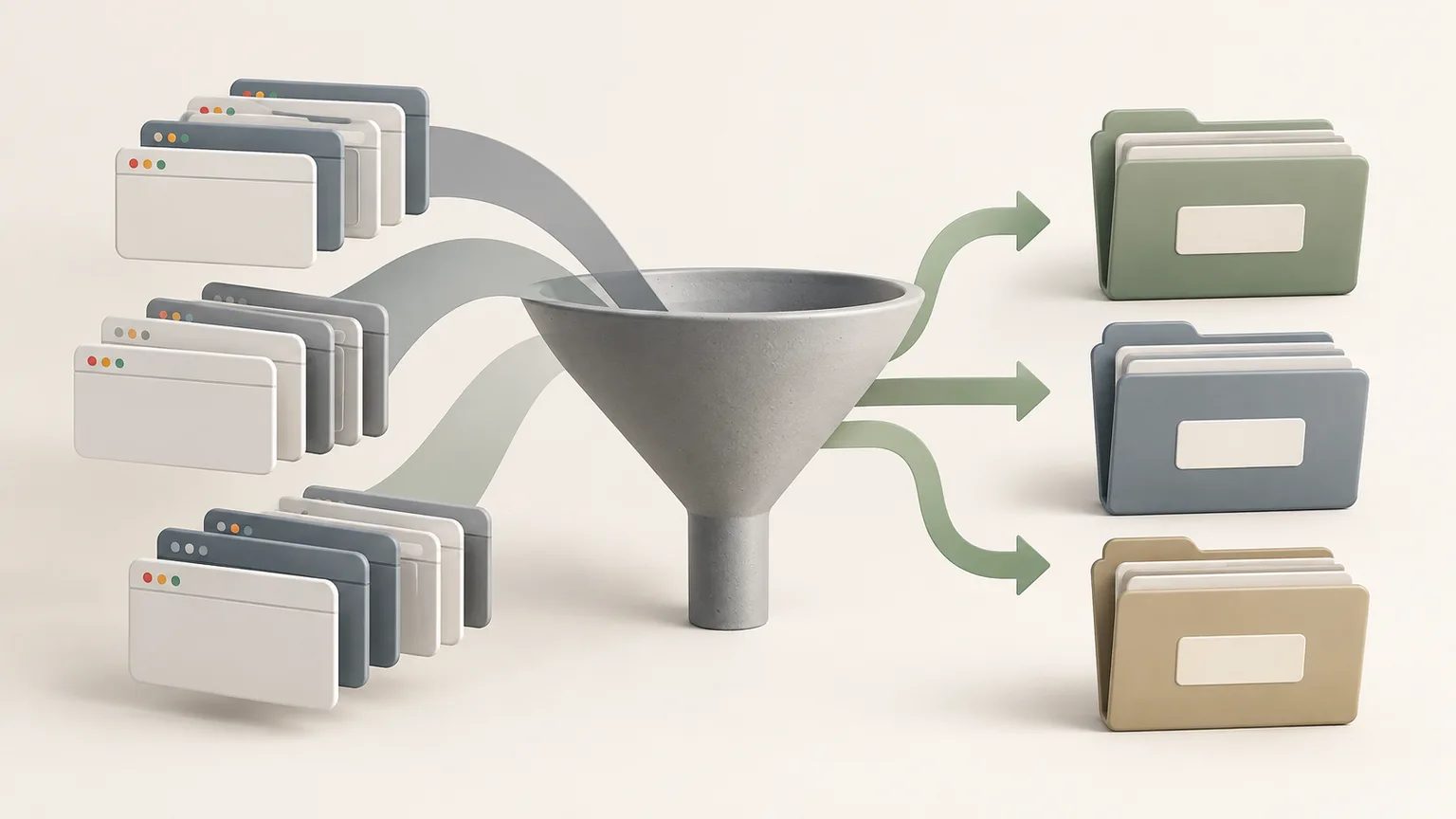
Name the outcome instead of the browser state
Titles such as Tabs, Research or Monday describe where the work came from, not why it matters. Prefer a title such as Compare authentication providers or Prepare Q4 onboarding review. The verb and subject reveal the intended result.
Keep the title short enough to scan in a sidebar. Put detailed scope, constraints and assumptions inside the note rather than turning the title into a full sentence.
Include words you will actually search
Use the product, client, course, destination or technical system that anchors the task. Avoid internal abbreviations unless you consistently remember and search them. A title should work when the source page names have faded from memory.
If the session supports a recurring process, keep one stable phrase across related notes. For example, Accessibility review can appear in every audit while the page or release name distinguishes each instance.
Add dates only when time changes the answer
Dates help with meeting notes, release research, travel plans and price comparisons. Use an unambiguous format such as 2026-09-15 when sorting matters. For evergreen reference collections, a date can add noise and make the title appear outdated.
Place the current status inside the note rather than renaming the title through every step. A small opening line such as Decision pending or Review complete is easier to maintain.

Use folders for scope, not repeated prefixes
If every note begins with the same project name, move the notes into a project folder and shorten their individual titles. Keep the default My notes folder as a simple inbox, then move a note once its project or archive destination is clear.
A custom folder can be renamed as the project changes. Deleting a custom folder should not be used as a shortcut for deleting its notes; confirm where notes move before reorganizing a large collection.
Use a repeatable title pattern
A useful pattern is Action + subject + optional time marker: Compare analytics tools — 2026 renewal. For meetings, use Team or project + meeting type + date. For learning, use Topic + question or outcome rather than a generic Course tabs label.
Test the title by searching one keyword and scanning the result beside similar notes. If you cannot identify the correct session without opening it, revise the subject or outcome while the context is still fresh.
Tabzero: Browser Tab Manager & Notes
Save tab links, keep notes beside your sources, and return to what matters. Tabzero is in development preview; AI Notes remains planned.
Related guides
A Browser Tab Workflow for Customer Support Cases
Keep support tickets, documentation, account tools, and investigation notes separated by case while protecting customer information.
Turn Research Tabs into a Clear Content Outline
Convert browser research into claims, supporting sources, open questions, and a practical article outline without losing attribution.
An End-of-Day Browser Tab Shutdown Routine
Finish the workday by saving useful sources, recording next actions, and closing browser tabs without losing project context.