
Turn Research Tabs into a Clear Content Outline
Opening more sources does not automatically produce a stronger article. A useful outline begins when each source has a role: support a claim, challenge it, define a term or reveal a question that still needs evidence.

Define the reader question first
Write the exact question the article should answer and the audience who needs it. Use that statement to judge every open tab. A page that is interesting but does not help the reader can move to a separate idea list.
Break the main question into three to five subquestions. These become provisional sections and prevent research from expanding without a stopping point.
Give each source a role
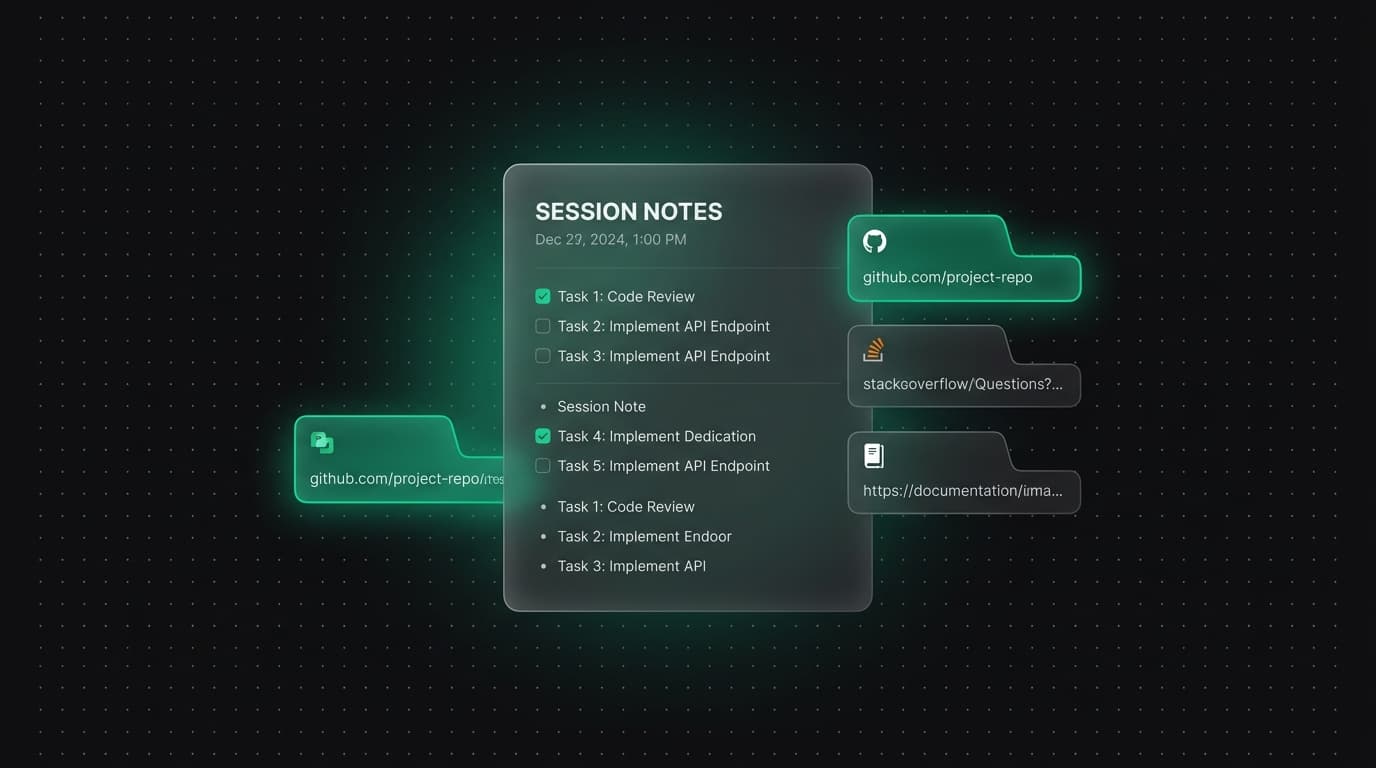
For every source you keep, record the URL, publisher, access date and one sentence describing what it contributes. Prefer primary documentation for product behavior, technical specifications and policy. Use secondary sources for context, criticism or independent observation.
A search result title or generated summary is not the source itself. Open the page and verify that it supports the claim before adding it to the outline.
Separate claims from evidence
Create a small table with a proposed claim, supporting source, important limitation and status. Mark claims that still depend on weak evidence. This reveals where another search is useful and where additional tabs would only repeat the same information.
If two reliable sources disagree, preserve the disagreement in the outline. Do not blend them into a false consensus merely to make the draft sound certain.
Build sections around decisions
Arrange the verified claims into a sequence that helps the reader act: understand the problem, compare options, follow a process and check the result. Each section should have a purpose beyond containing links about the same keyword.
Place source links beside the claims they support. A separate bibliography is useful, but inline relationships make fact checking and later updates easier.
Idea: a source-to-outline review
Before drafting, close the research tabs and review only the outline. If a paragraph cannot be planned without reopening several mystery pages, its source notes are incomplete. Improve the note rather than keeping the tabs open as memory aids.
Then reopen only the strongest sources while writing. This reduces duplicate browsing and keeps the draft connected to evidence already reviewed.
Plan for updates
Label dates and versions for facts that can change. Record which section depends on each time-sensitive source. When the source changes, you can update the affected claim without repeating the entire research process.
Finish with a list of unresolved questions and excluded tangents. That record explains the limits of the article and gives future research a clean starting point.
Tabzero: Browser Tab Manager & Notes
Save tab links, keep notes beside your sources, and return to what matters. Tabzero is in development preview; AI Notes remains planned.
Related guides
Build an SEO Content Brief from Browser Research
Create a content brief with reader intent, verified sources, page structure, internal links, differentiation, and measurable review criteria.
Turn Competitive Research Tabs into an Evidence Matrix
Compare products using consistent criteria, dated primary sources, and explicit gaps instead of relying on a wall of browser tabs.
A Browser Tab Workflow for Customer Support Cases
Keep support tickets, documentation, account tools, and investigation notes separated by case while protecting customer information.