
How to Build a Research Hub from Browser Tabs and Notes
A research hub is a note that explains a source collection. It starts with one answerable question, keeps evidence beside interpretation and gives the next research session a precise place to begin.

Start with one decision or question
Write the question before saving pages. Which option meets the accessibility requirements? What changed in this API release? Which destination fits the budget and travel dates? A clear question gives every source a reason to stay or a reason to close.
Split broad investigations into separate notes when they lead to different decisions. One focused hub is easier to review than a large folder of links that mixes discovery, implementation and meeting preparation.
Select sources by role
Aim for a small set with distinct roles: a primary source, a practical implementation reference, a counterexample and any data needed for comparison. Remove repeated summaries that add no new evidence.
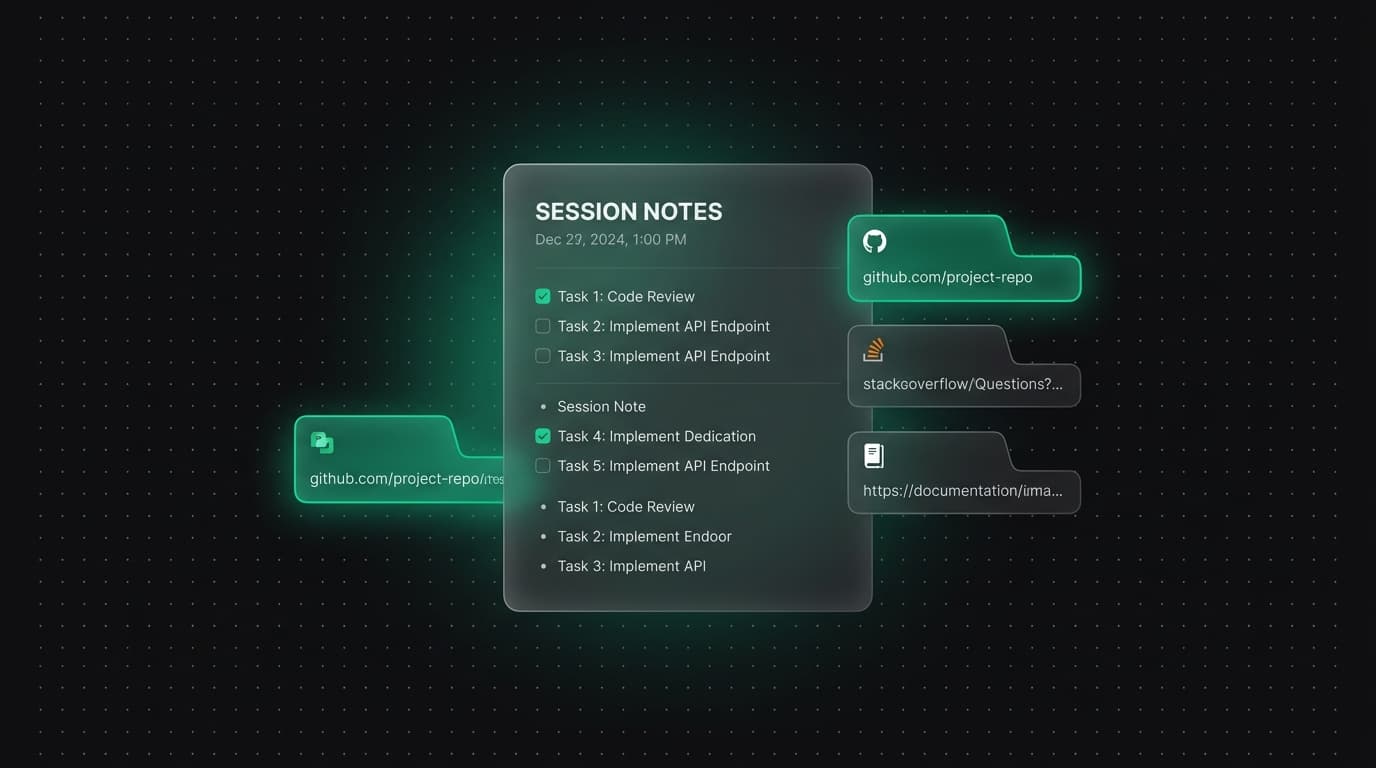
Save the selected pages into the note and inspect their titles and addresses. A source list is an index to the research; it does not preserve the content of changing pages.
Separate evidence from interpretation
Under each finding, state what the source shows and then state what it means for the decision. Use a direct quotation only when exact wording matters, and keep it short. Record the source and access date for claims likely to change.
This separation makes review faster. A colleague or future you can challenge the interpretation without first guessing which part came from the source.
Connect related work deliberately
Create a related note when a question becomes a substantial branch, such as implementation details or a follow-up experiment. Reuse shared sources when they genuinely support both notes rather than adding links only to make the graph look connected.
The source panel and related notes can help you navigate the workspace. Treat those relationships as discovery aids, then read the underlying note and source before using them as evidence.
End every session with a restart point
Put the strongest current answer near the top, list unresolved questions and write one next action. Remove sources that proved irrelevant. When the work is done, replace the next action with the decision or deliverable link.
On return, open the note before restoring all tabs. The restart point should tell you which source is needed next, reducing the time and memory required to resume.
Review the hub after major decisions and remove stale branches. A smaller set of current sources gives search and related-note navigation clearer signals than a permanent collection of every page visited during discovery.
Tabzero: Browser Tab Manager & Notes
Save tab links, keep notes beside your sources, and return to what matters. Tabzero is in development preview; AI Notes remains planned.
Related guides
How to Take Notes While Browsing the Web (Without Losing Context)
Learn how to take notes while browsing without losing track of your sources. Three practical approaches compared, including browser-native note-taking alongside open tabs.
How to Organize Many Chrome Tabs into Groups Fast
Turn a crowded Chrome window into a few useful tab groups with bulk selection, clear names, duplicate cleanup, and a repeatable maintenance routine.
Chrome Tab Groups vs Separate Windows: Which Is Better?
Compare Chrome tab groups and separate windows for focus, task switching, account separation, recovery, and practical multi-project workflows.