
Pinned Tabs vs Saved Sessions: A Practical Browser Workflow
Pinned tabs and saved sessions both reduce tab clutter, but they operate at different levels. Pin the few tools you use continuously; save a session when several sources belong to a task you need to pause and resume.
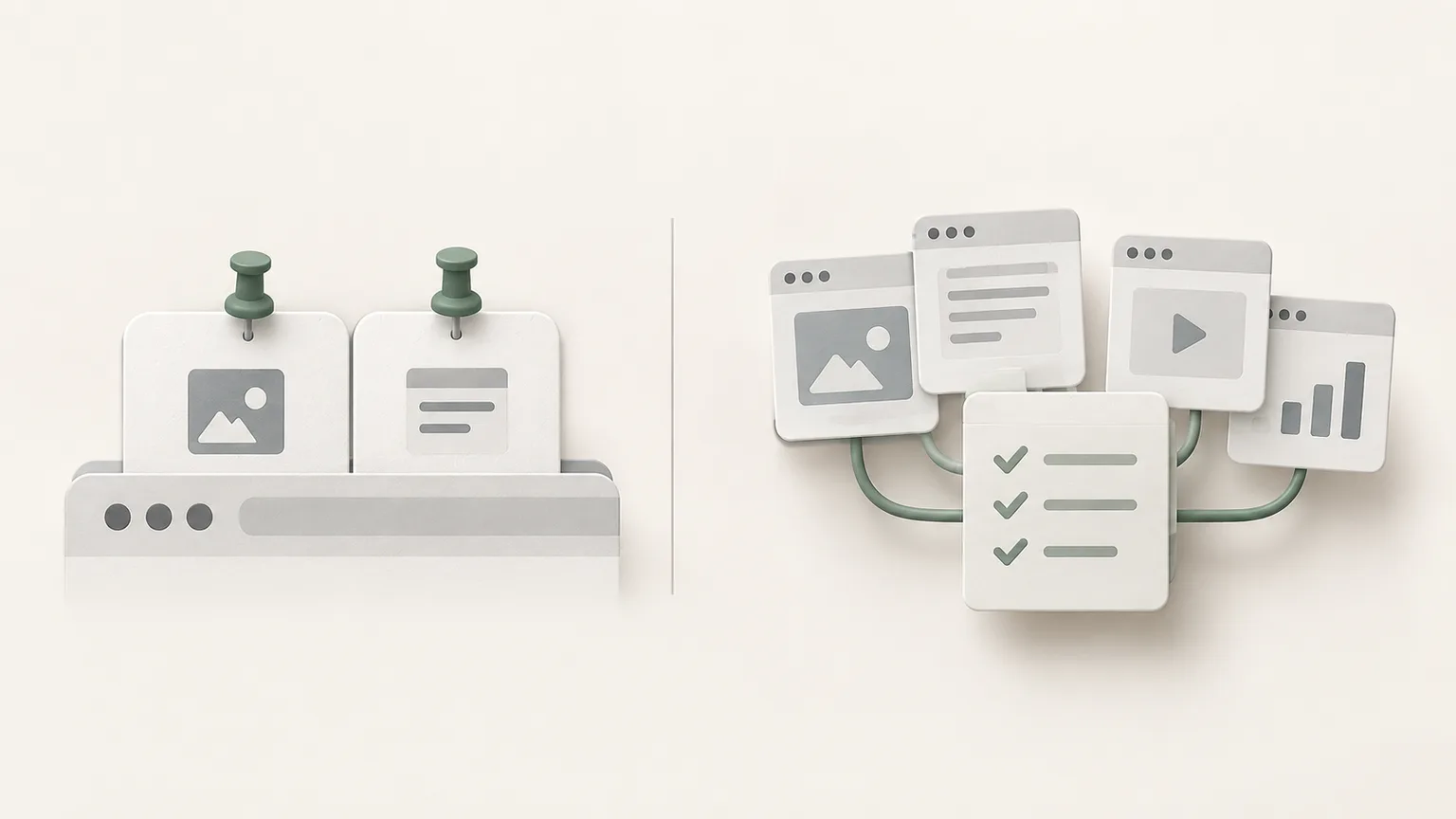
Pin stable tools you use throughout the day
Pinned tabs work well for a small number of persistent tools such as a calendar, issue tracker or team inbox. Their compact shape frees horizontal space and keeps the tool at the front of the window.
A pinned tab still belongs to a browser window and profile. It is not a project summary, source archive or guarantee that unsaved application state will return. Keep the pinned set deliberately small or it becomes another crowded tab strip.
Group pages for work that is active now
Use a tab group when multiple open pages support the same active task. A short group name and a collapsed state make the browser easier to scan while preserving quick access to every page.
Chrome can save groups when the relevant settings are enabled. This helps the page collection survive beyond the current window, but the group still does not explain what you concluded or which page matters most.
Save a session when context must survive
A saved session should connect selected sources with a note. Record the decision, comparison or deliverable, then add the next action. This turns a temporary arrangement of tabs into work that can be understood after a longer interruption.
Tabzero lets you save chosen tabs into an existing or new note. The original tabs remain open, giving you a chance to verify the saved sources before closing or reorganizing the browser.

Use bookmarks for durable destinations
Bookmark a page when its value is independent of the current project: official documentation, a frequently used portal or a reference you expect to revisit for months. Prefer the canonical page over a temporary search result.
If several bookmarks only make sense together, add a folder or a session note that explains their relationship. A good browser workflow does not force one tool to solve every lifespan.
Apply the one-window review
At the end of the day, leave persistent tools pinned, close completed groups, save unfinished project sessions and bookmark only lasting references. Put the result at the top of completed notes before archiving them.
This review keeps the live tab strip focused on action while the saved workspace holds context. The distinction also makes browser search, note search and future cleanup more predictable.
Tabzero: Browser Tab Manager & Notes
Save tab links, keep notes beside your sources, and return to what matters. Tabzero is in development preview; AI Notes remains planned.
Related guides
How to Organize Many Chrome Tabs into Groups Fast
Turn a crowded Chrome window into a few useful tab groups with bulk selection, clear names, duplicate cleanup, and a repeatable maintenance routine.
Chrome Tab Keyboard Shortcuts for a Faster Daily Workflow
Learn a small set of verified Chrome tab shortcuts for switching, searching, reopening, and saving pages without losing task context.
Chrome Bookmarks API vs Saved Sessions: Build a Safe Import
Understand the bookmarks tree, permission scope, and a reviewable way to import lasting references into a project session.