
Tab Groups vs Bookmarks vs Session Managers: Which Should You Use?
Tab groups, bookmarks and session managers all save access to pages, but they solve different time horizons. Choosing by how long the task will live prevents today's research from becoming tomorrow's unlabelled pile of links.
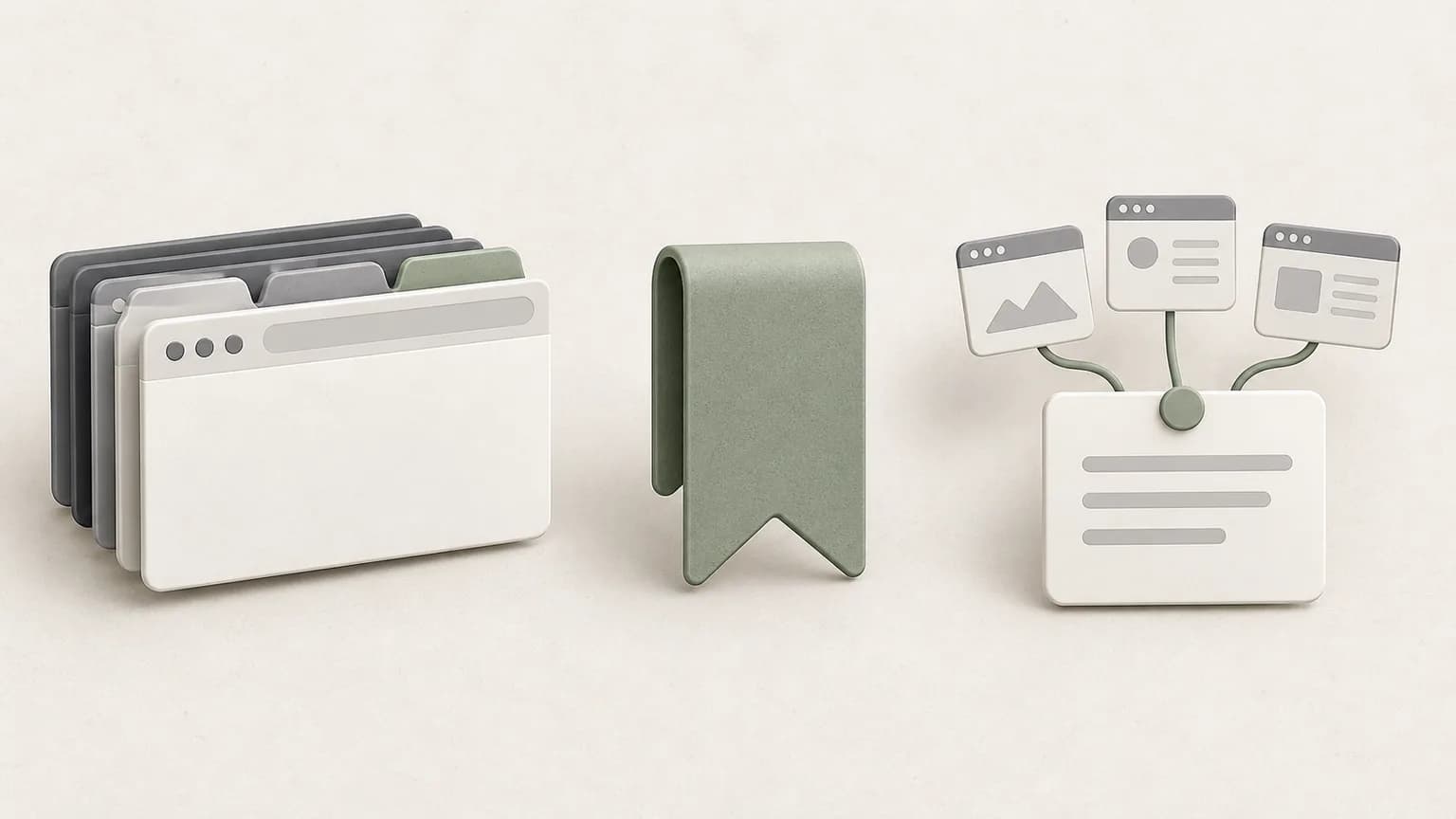
Use tab groups for work that is active now
A tab group is best when the pages are already open and you expect to use them during the current task. Grouping reduces visual noise, gives the set a name and lets you collapse it without losing its place in the tab strip. It is a useful working surface for a meeting, comparison or debugging session that is still moving.
Chrome can save and sync tab groups when the relevant browser and account settings are enabled. That makes groups more durable than they once were, but the group still centers on pages rather than the conclusion you reached. Add a short note when the reason for keeping those pages will matter later.
Use bookmarks for durable destinations
A bookmark is a good fit for a page you expect to revisit independently: a product manual, team portal, reference standard or frequently used tool. Folder structure and clear titles matter because bookmarks can outlive the project that created them. They are less useful for preserving the temporary relationship among several pages.
Do not bookmark every search result. Save the canonical page or strongest source after review. If the value lies in a specific claim, record that claim and the date in a note because a bookmark preserves an address, not the page's past contents or your interpretation.
Use a session manager when the set has a purpose
A session manager earns its place when several pages belong to one outcome and need to return together. A useful session includes a specific name, selected sources and enough context to answer: what was I doing, what did I learn, and what happens next? That structure is stronger than saving an entire window without review.
In Tabzero, selected pages become Sources beside a workspace note. The note can then be opened on its own URL or restored with its source tabs when the connected extension supports grouping. Saved sources remain links; they are not website snapshots or backups of unsaved form data.

Choose with a simple lifespan test
Ask when you will need the page again. For the next hour, keep it open and group it. For repeated access over months, bookmark the best destination. For a multi-page task you must pause and resume, create a named session with a note. One page can move through all three states as a project develops.
Review saved material at the end of a task. Close the active group, keep only durable bookmarks and archive the session note with its result at the top. This small decision avoids duplicate collections and makes search results more meaningful later.
A practical example
While choosing an authentication provider, keep vendor docs and implementation examples in one active group. Bookmark the official documentation you will maintain against. Save a session note containing the final decision, rejected options and source links for the next architecture review.
The same pattern works for travel, purchasing and study. The tool changes with the lifespan, while the rule stays consistent: open tabs support action, bookmarks preserve destinations, and session notes preserve the reasoning around a set of sources.
Tabzero: Browser Tab Manager & Notes
Save tab links, keep notes beside your sources, and return to what matters. Tabzero is in development preview; AI Notes remains planned.
Related guides
Organize Competitor SEO Research with Browser Tab Groups
Compare competitor pages, search intent, evidence, internal links, and content gaps with a fair browser-tab research structure.
Chrome Tab Groups API: Group Tabs and Manage Their State
Learn how chrome.tabs.group and chrome.tabGroups work together, when group IDs expire, and how to recover from group changes.
Chrome Reading List vs Bookmarks vs Saved Sessions
Choose Chrome Reading List, bookmarks or a saved session based on whether you need to read, revisit or resume a whole task.