
Smart Shopping Comparisons: Turn 30 Tabs into Decision Notes
Purchasing significant items—such as a laptop, ergonomic office chair, camera lens, or kitchen appliance—inevitably triggers an e-commerce rabbit hole. Shoppers end up with 30 or more open tabs across Amazon, Reddit reviews, manufacturer spec sheets, and price tracker graphs. Tabzero provides a calm, disciplined framework to synthesize candidate listings into durable purchase decision notes.

The high-friction e-commerce comparison trap
When evaluating competing products, consumers rarely make immediate decisions. They compare technical specifications on manufacturer websites, check verified user reviews on discussion forums, evaluate warranty fine print, and track seasonal discount pricing across multiple online retailers. Over several days of research, browser windows turn into an impenetrable jungle of retailer tabs.
The danger of this tab proliferation is double: candidate products are easily lost when browsers crash or windows are inadvertently closed, and cognitive overload leads to impulsive purchases driven by decision fatigue rather than objective trade-off analysis.
Pruning duplicate tabs and domain filtering with Alt+Z
A frequent nuisance during shopping research is opening the exact same product page multiple times across different tabs through search engine redirects or deal forums. Tabzero's Quick Card (Alt+Z) automatically identifies duplicate URLs and clusters tabs by domain.
With Alt+Z, shoppers can instantly filter for all open 'amazon.com', 'bestbuy.com', or specialist store tabs. With a single click, duplicate tabs are pruned, and the verified candidate listings are stashed into a dedicated Session Note such as 'Ergonomic Chair Comparison', immediately restoring browser clarity.
Constructing side-by-side trade-off matrices
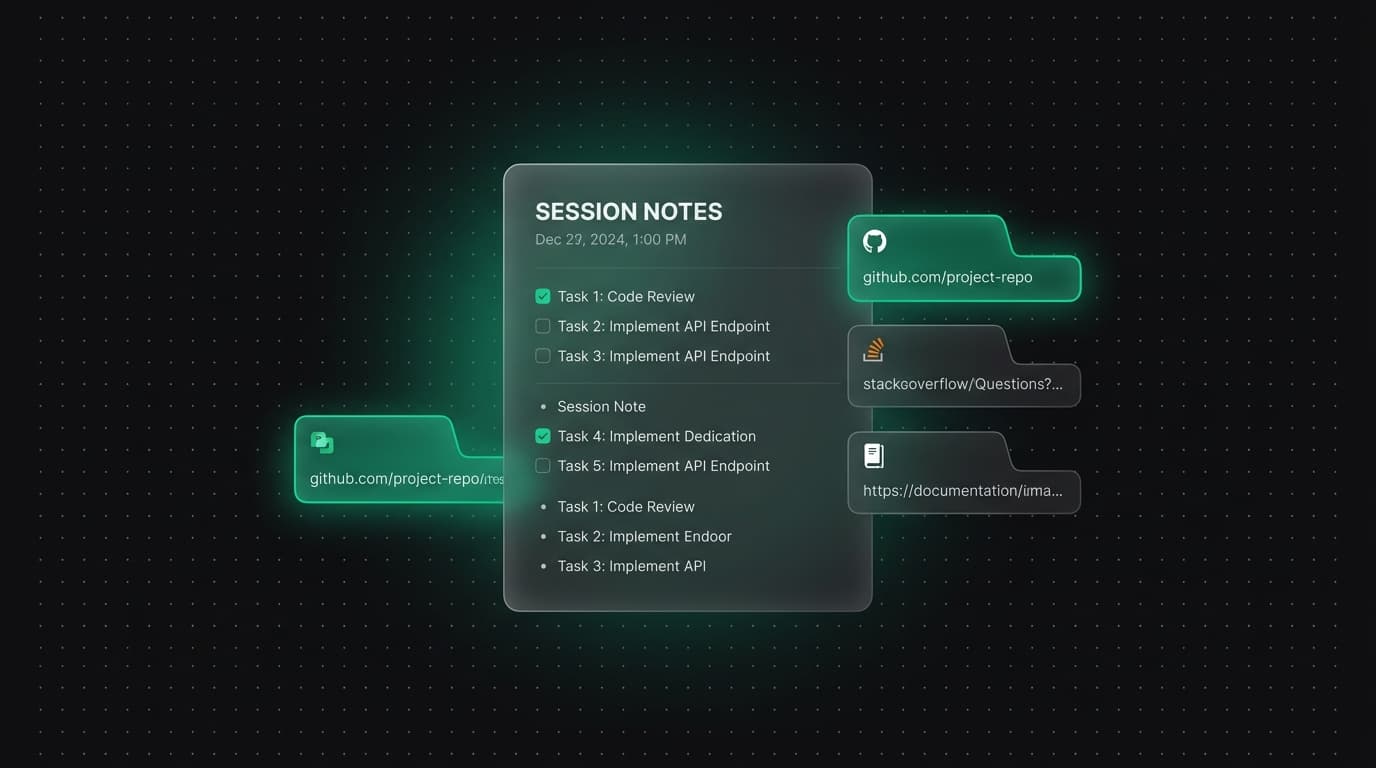
Inside the Tabzero Session Note, shoppers can build structured decision matrices using block-based text, headings, and checklist items. Instead of relying on memory, the user records key parameters side by side: base price, shipping costs, warranty length, weight, power consumption, and notable pros/cons cited by community reviews.
Every row or section in the comparison note remains connected to its corresponding source page in the docked Sources panel. When it is time to make the final purchase, the buyer clicks directly into the winning product listing without having to re-search or search browser history.
Safeguarding candidate links during flash sales
During high-stakes shopping events such as Black Friday or limited-quantity product drops, shoppers frequently juggle promo codes, checkout windows, and alternate retailer listings. Accidental tab closures during these moments can cause lost cart items or missed coupons.
Tabzero's Tab Safety Contract enforces that no tab is ever closed without explicit confirmation, and all note states are written to durable storage before any tab is dismissed. Even if an internet connection hiccups or a laptop battery dies mid-session, all candidate URLs, promo codes, and comparison notes remain completely intact.
Archiving purchase records for warranties and manuals
The value of a Tabzero shopping session note extends long after checkout is complete. Rather than discarding the session, users can archive the note to maintain a permanent digital record of the purchase.
The archived note contains the original order page, warranty documentation link, PDF user manual URL, and exact model specifications. If the product ever requires technical support, accessory purchases, or warranty service months later, the owner has instant access to primary documentation without digging through email archives.
Tabzero: Browser Tab Manager & Notes
Save tab links, keep notes beside your sources, and return to what matters. Tabzero is in development preview; AI Notes remains planned.
Related guides
How to Organize Many Chrome Tabs into Groups Fast
Turn a crowded Chrome window into a few useful tab groups with bulk selection, clear names, duplicate cleanup, and a repeatable maintenance routine.
Chrome Tab Keyboard Shortcuts for a Faster Daily Workflow
Learn a small set of verified Chrome tab shortcuts for switching, searching, reopening, and saving pages without losing task context.
How to Find an Open Tab in Chrome Across Crowded Windows
Find a missing Chrome tab with Tab Search or @tabs, then organize the useful pages so the same search is easier next time.