
AI Notes from Browser Tabs: Tabzero’s Planned Workflow
AI notes from browser tabs are a planned Tabzero feature, not something you can use today. This design guide explains the intended workflow, the review steps that matter and how manual tab management and notes work independently of AI.

What works today, and what is still planned?
Current development builds let you select browser tabs with the extension, save their links to a session, write notes manually and reopen sources. The Web Workspace adds folders, note navigation, Markdown export and account sync recovery. None of those workflows requires an AI draft.
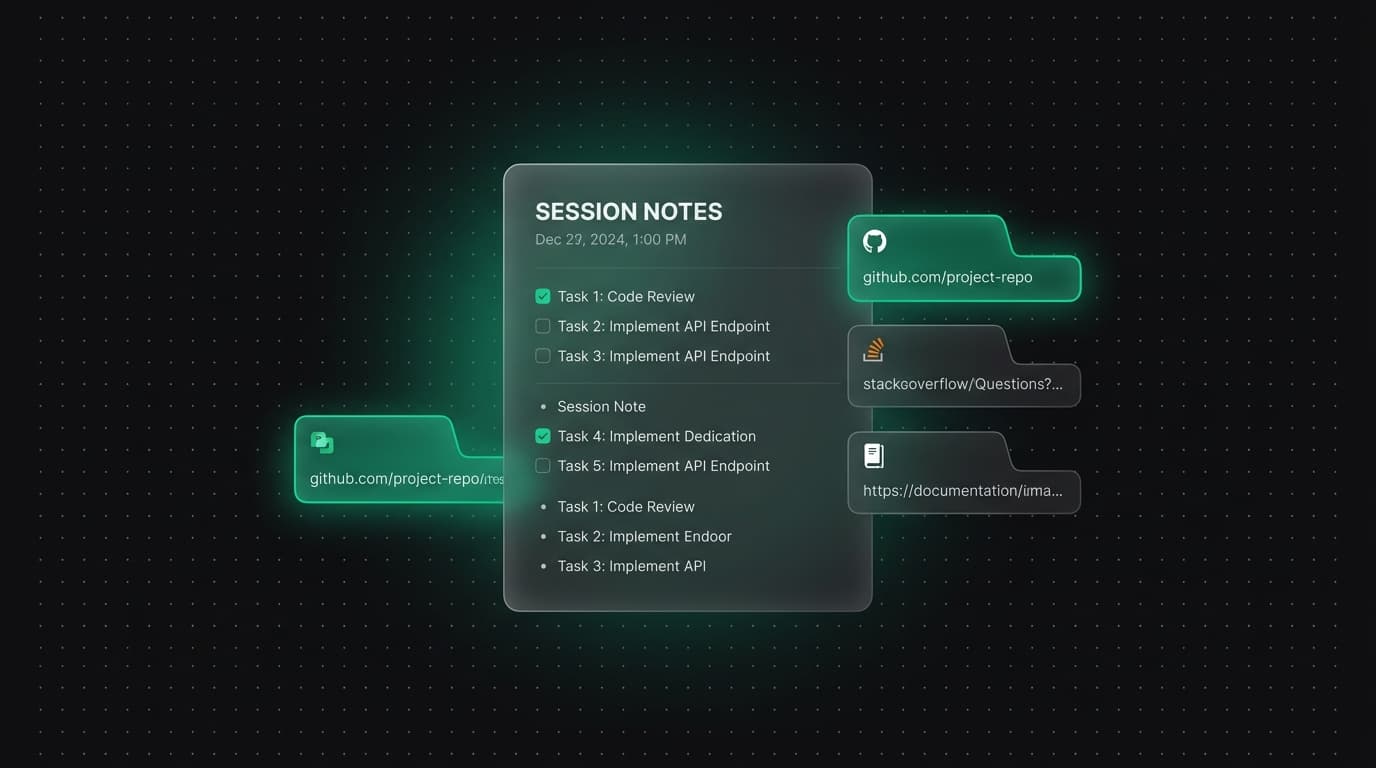
The first planned AI capability is creating a note from selected readable pages. The next is proposing additions to an existing note. The Agent panels in promotional illustrations are concepts; they do not establish a working AI service, model integration or available subscription.
Core reliability comes first. There is no announced AI release date, price or usage entitlement. The roadmap tracks the intended order without treating a prototype as a shipped feature.
Step 1: choose the tabs and the purpose
The proposed flow starts with a deliberate selection of tabs and a purpose: a general summary, comparison, learning note or planning checklist. Only sources you choose should be candidates for the draft, rather than every open page in your browser.
A shopping comparison might ask for differences between selected product pages. A learning note might ask for a concept explanation and questions to revisit. The purpose helps organize the result; it does not make an unreadable page accessible or turn uncertain information into fact.
The first scope is readable HTML pages. PDF, video, sign-in-only and inaccessible-page support is not established. The design calls for a visible list of readable and skipped sources so you know which pages contributed to the draft.
Step 2: review a draft with source references
The planned output combines a draft with links back to its sources. You should be able to inspect which source supports a takeaway, identify gaps and correct wording before saving. Source references make review easier; they are not a guarantee that a generated summary is accurate.
Consider three selected tutorials that recommend different approaches. A useful draft would separate their recommendations, identify the conditions each assumes and leave unanswered questions visible. It should not present a single conclusion as if all three sources agreed.
The design treats webpage text as evidence, not as instructions that can override your request. Source-reading consent, provider disclosure, retention rules and usage limits need to be established before processing is made available. Those are implementation requirements, not claims that the integration already exists.
Step 3: save before deciding to close tabs
The intended sequence is select, draft, review, save and then explicitly confirm optional closing. Keeping tabs open is the planned default. A generation error, cancellation or failed save should leave the selected tabs untouched.
A completed draft is not the same as a confirmed save. The planned closing step depends on a durable-save result, and it should apply only to the tabs the user approved. Unrelated tabs and unsaved work must not be swept into a cleanup action.
This describes the AI Notes design contract. It does not claim that AI tab processing is live. For the existing manual workflow, inspect the save result and sync status before relying on the note elsewhere.
After drafts: review additions to an existing note
The next planned workflow takes newly selected pages and proposes changes to a note you already use. It should show a reviewable difference, attach source references and keep your handwritten context intact until you accept a change.
For a travel plan, new pages might suggest an additional transport option or a revised checklist. You should be able to reject the proposal without changing the original note. Conflicting edits and undo need explicit handling so accepting an older proposal does not replace newer work.
Asking a note questions, searching an entire workspace with AI and automatically suggesting links are later explorations. They are not bundled into a promise about the first AI Notes release.
What you can do while AI Notes is being built
Use a manual note with headings for Takeaways, Sources, Open questions and Next steps. After saving the selected links, write a short takeaway beside each source and mark anything you have not verified. This creates a useful record before any generation service is involved.
You can organize the note in a project folder, reopen its sources and export a Markdown copy. Review account save status when moving between the extension and Web App. These steps address the same underlying need: returning to useful context instead of starting the browsing session again.
Is AI required to use Tabzero? No. Can AI Notes be enabled today? No; it remains planned. Will every selected page be readable? That is not promised, which is why readable and skipped sources are part of the proposed review flow.
Tabzero: Browser Tab Manager & Notes
Save tab links, keep notes beside your sources, and return to what matters. Tabzero is in development preview; AI Notes remains planned.
Related guides
How to Organize Browser Tabs into Useful Session Notes
Organize browser tabs by task, save source links with Quick Card, and build session notes in Tabzero. Includes practical examples and current beta status.
How to Organize Many Chrome Tabs into Groups Fast
Turn a crowded Chrome window into a few useful tab groups with bulk selection, clear names, duplicate cleanup, and a repeatable maintenance routine.
Chrome Tab Groups vs Separate Windows: Which Is Better?
Compare Chrome tab groups and separate windows for focus, task switching, account separation, recovery, and practical multi-project workflows.