
A Browser Tab Workflow for Product Managers
Product work creates tab sprawl because discovery, analytics, support evidence and solution research happen at the same time. Separate those threads into outcome-based sessions, then bring only verified evidence into the decision note.
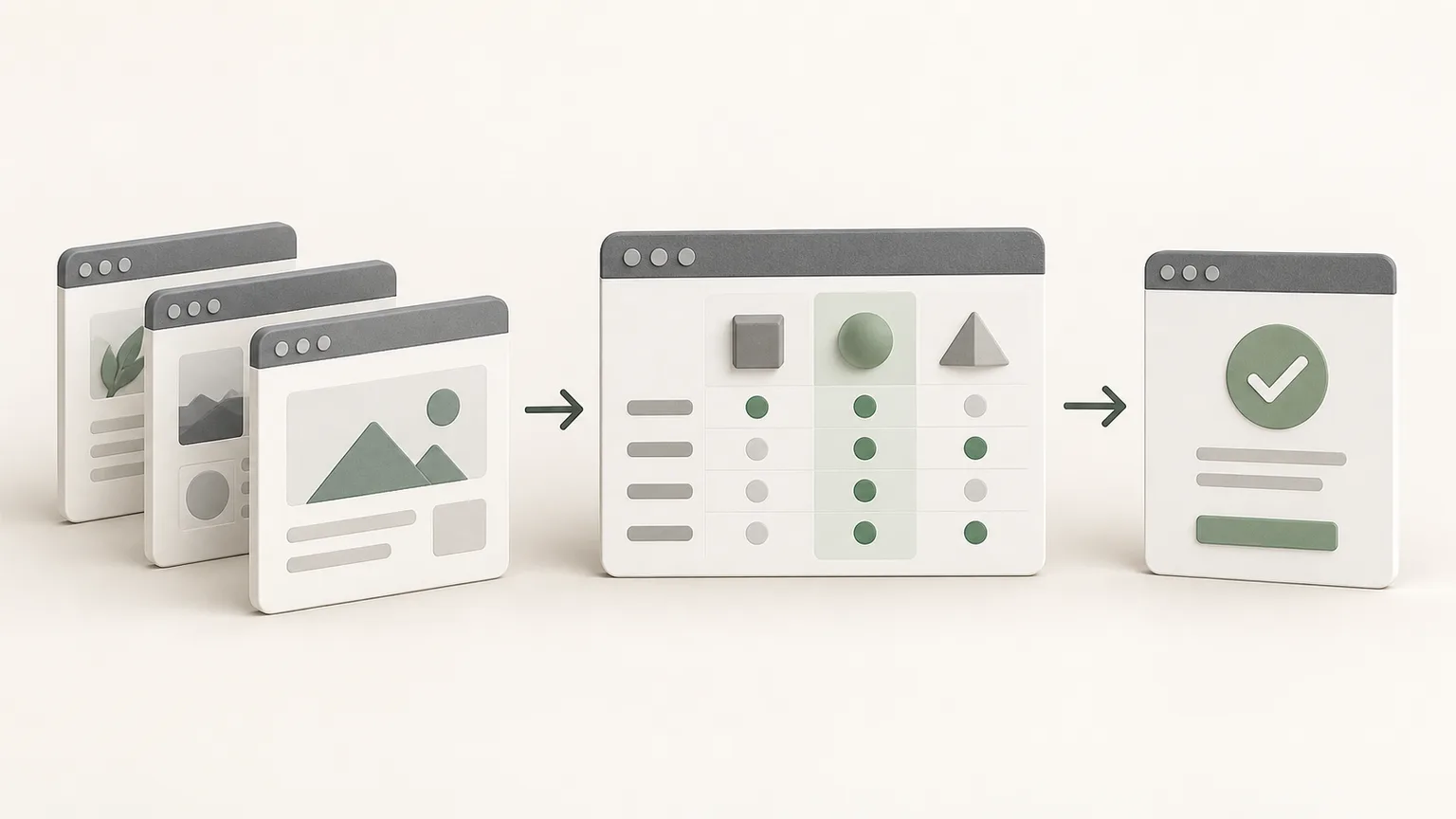
Separate discovery from decision work
Create one session for understanding the problem and another when evaluating a specific solution. Discovery can contain interview summaries, support patterns and analytics definitions. Solution research can contain technical constraints, competitor behavior and experiment plans.
This boundary prevents attractive solutions from being mistaken for evidence of the problem. Name each note after its outcome, such as Understand activation drop-off or Choose onboarding experiment.
Capture a small evidence set
Select the pages that directly support the question: the metric definition, a dashboard view, an approved research repository and relevant product documentation. Avoid saving private customer pages or links that expose temporary access tokens.
Save stable addresses where possible and write the finding in the note. Dashboards and live applications can change after capture, so the note should include the relevant date, segment and interpretation.
Use a decision-note structure
Start with the decision and owner. Follow with evidence, constraints, options, risks and the next review date. Link each material claim to a source, and label assumptions that still need validation.
Keep task tracking lightweight inside the note: one short checklist for the next actions is often enough. Move execution into the team's normal delivery system once the direction is approved.
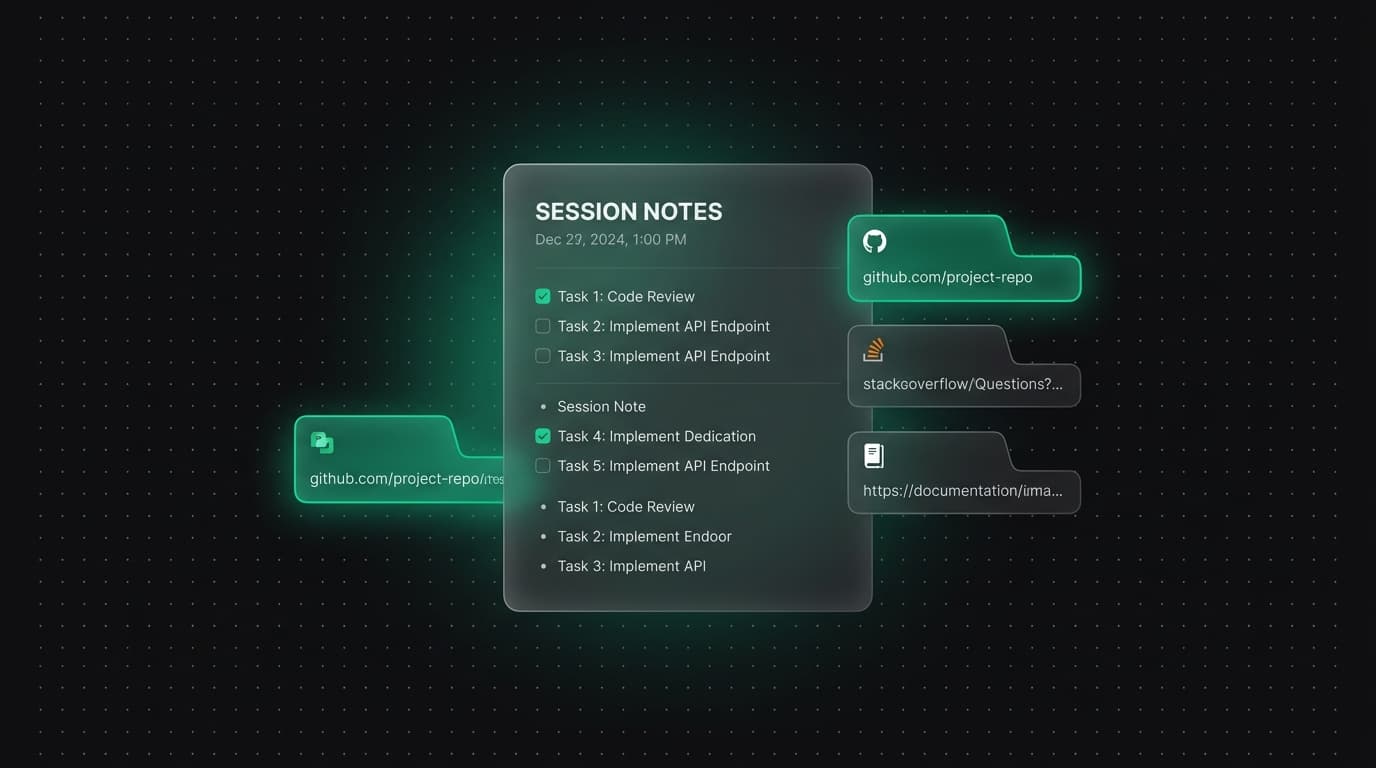
Pause work without losing the handoff
Before switching projects, update the current answer and next action. Save any new source tabs, then close unrelated pages. A teammate opening the note should understand the state without reconstructing your browser history.
A direct note URL can be bookmarked for a recurring review. Access still depends on the same account or guest browser workspace; the URL itself is not a public sharing link.
Review the session at the decision point
When the decision is made, put it at the top with the date and rationale. Remove sources that did not influence the outcome, retain the evidence needed for review and export the note when a portable record is required.
Archive the note under the relevant product area. If new evidence changes the direction, create a clearly dated follow-up or update the existing note with a visible revision instead of silently replacing the original reasoning.
During a later retrospective, compare the recorded expectation with the observed result. That closes the loop between research and delivery and gives the next product decision a stronger starting point.
Tabzero: Browser Tab Manager & Notes
Save tab links, keep notes beside your sources, and return to what matters. Tabzero is in development preview; AI Notes remains planned.
Related guides
How to Organize Many Chrome Tabs into Groups Fast
Turn a crowded Chrome window into a few useful tab groups with bulk selection, clear names, duplicate cleanup, and a repeatable maintenance routine.
Chrome Tab Groups vs Separate Windows: Which Is Better?
Compare Chrome tab groups and separate windows for focus, task switching, account separation, recovery, and practical multi-project workflows.
How Chrome Tab Groups Sync Across Devices
Set up Chrome tab-group sync across computers and phones, verify the right account, and understand how closing or deleting a group propagates.