
Organize Keyword Research Tabs into SEO Content Clusters
Keyword research often begins with a few searches and ends with dozens of tabs that repeat the same intent. A useful workflow turns those pages into a small set of content decisions: which question deserves a page, which terms belong together, and which sources can support the answer.

Start with a real audience problem
Choose one problem your product or expertise can answer well. Write the audience, situation and desired outcome before collecting keywords. A seed such as 'organize browser tabs' is useful because it describes a task; a broad word such as 'tabs' can refer to interfaces, music, bills or many unrelated topics.
Open a limited set of result pages and note the repeated intent patterns. Separate learning queries, comparisons, troubleshooting and product-seeking queries. These patterns are more useful than a long undifferentiated keyword export.
Group queries by the answer they need
Place queries in the same cluster when one strong page can satisfy them without forcing unrelated sections together. For example, 'how to organize browser tabs' and 'best way to manage many tabs' may share a practical guide, while 'Chrome Tabs API permissions' serves a developer audience and needs its own page.
Do not create a separate article for every wording variation. Google recommends useful, original content for people rather than scaled pages made mainly to capture search variations. Keep a new page only when the user needs a meaningfully different answer.
Save the evidence beside each cluster
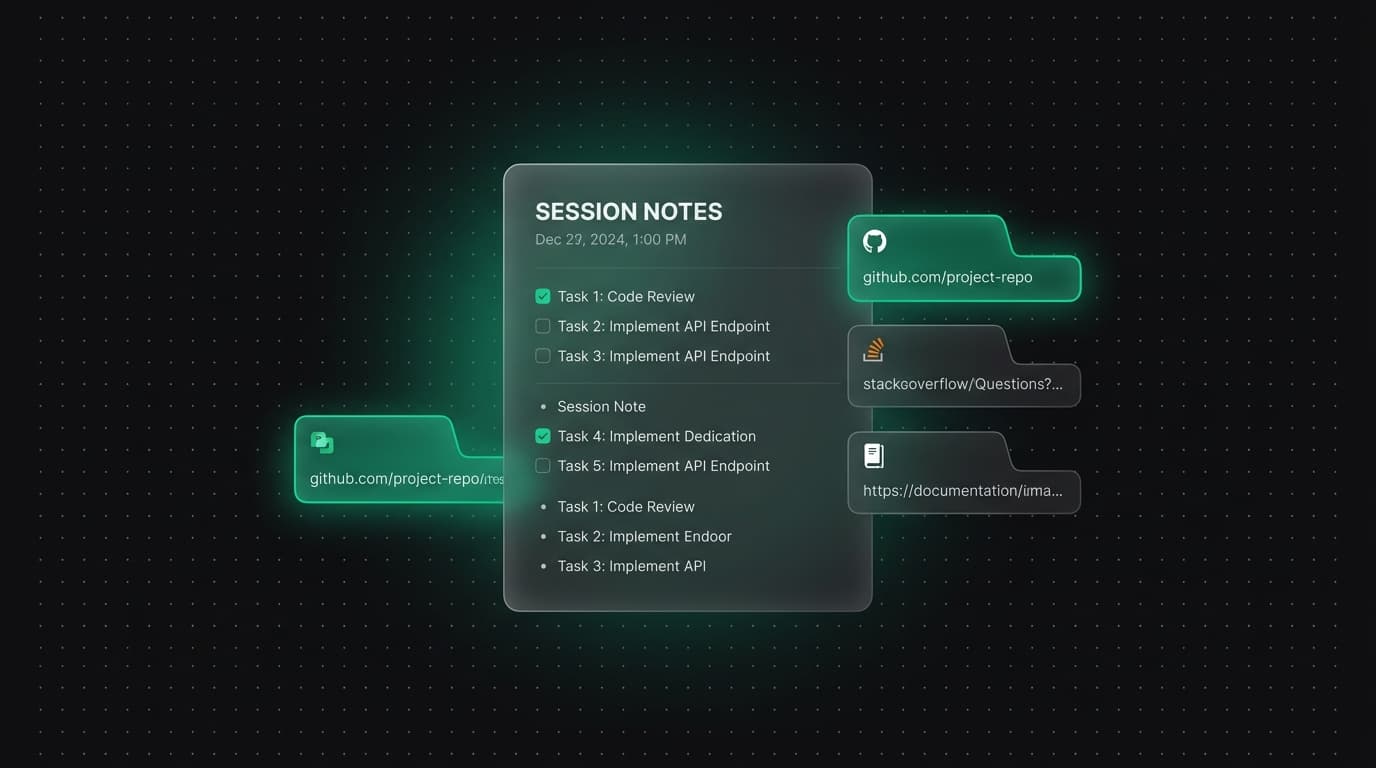
For each cluster, retain the strongest primary sources, a representative result page and any product evidence you can verify. Add an access date and one sentence explaining why the source matters. Close duplicate results that do not add a distinct fact or perspective.
A tab title is not a research note. Record the claim or question connected to the page so the source remains useful after the search results and rankings change.
Map one primary page and supporting articles
Choose a broad page that answers the central task, then assign narrower supporting pages to specific problems, audiences or methods. Link supporting articles back to the primary guide with descriptive anchor text, and link from the guide to the relevant deeper explanation.
Google says internal links and their anchor text help people and Google understand pages and discover related content. Make the relationship useful to the reader instead of adding a block of keyword-heavy links.
Idea: a keyword-to-page decision table
Create columns for query, intent, proposed page, existing page, evidence, differentiation and status. Mark whether each idea should update an existing article, become a new article or remain unplanned. This reduces keyword cannibalization caused by multiple pages answering the same question.
Review the table after Search Console begins showing impressions. An unexpected query may justify improving the existing page before publishing another one.
Finish with a small publishing sequence
Publish the central page or improve it first, then add two or three supporting articles that answer distinct follow-up questions. Confirm every new URL is crawlable, linked from an existing page and present in the sitemap.
Measure impressions, clicks and the queries associated with each page over time. Early data can be sparse, so use it as evidence to refine the cluster rather than as proof that a topic has succeeded or failed after a few days.
Tabzero: Browser Tab Manager & Notes
Save tab links, keep notes beside your sources, and return to what matters. Tabzero is in development preview; AI Notes remains planned.
Related guides
Organize Competitor SEO Research with Browser Tab Groups
Compare competitor pages, search intent, evidence, internal links, and content gaps with a fair browser-tab research structure.
Build an SEO Content Brief from Browser Research
Create a content brief with reader intent, verified sources, page structure, internal links, differentiation, and measurable review criteria.
A Browser Tab Workflow for a Technical SEO Audit
Organize crawlability, indexation, canonical, sitemap, structured data, performance, and validation evidence without losing audit context.